The phrase “image-to-image AI” covers more useful ground than almost any other term in generative AI, and most of the articles ranking for it explain less than the average YouTube tutorial. This is the long version: what it actually is, how it works underneath the marketing copy, which tools are worth opening today, and what it changes for the people who need pictures of buildings: architects, builders, developers and the marketers who sell what they make.
If you have a picture and you want a better picture, or a different version of it, or the same picture with one thing changed, this is the technology you are reaching for. Text-to-image is the cousin that makes things from nothing. Image-to-image is the one that keeps the building and changes the cladding.
It is also the technology at the core of our own rendering pipeline. We are genuinely into it. So this guide is written by people who use it every day on real files, and it is honest about where it drifts.
What image-to-image AI actually is
Image-to-image AI is a generative system that takes two inputs, an existing image and an instruction, and returns a new image that retains the structure and composition of the input while applying the requested change. The input image is the anchor. The instruction, usually a written prompt and sometimes a mask or a reference image alongside it, is the change.
The most useful way to think about it is by contrast with text-to-image. Text-to-image gives the model a blank canvas and asks it to invent: a sunset over Bondi, a Hamptons kitchen, a person eating lunch. The model decides the angle, the lighting, the people, the layout, everything. Image-to-image gives the model your picture and asks it to leave most of it alone. Same Bondi photo, but make the sky pink. Same kitchen, but change the cabinetry to white shaker. Same massing model, but rendered in brick with a dusk sky.
That single difference, who chose the composition, is why image-to-image is the workhorse for any commercial use where the result has to correspond to a real subject. A real building, a real room, a real product, a real listing. Text-to-image invents. Image-to-image preserves and modifies. Most of the commercial value in generative imagery for architecture and property sits on the preserving side.
The technical term sometimes used for the underlying capability is img2img (the long-running shorthand in Stable Diffusion communities) or image editing, which is the term Google, OpenAI and Adobe have all standardised on in 2026. They all mean the same thing. The 2026 frontier models call it editing because that is what users were actually doing with it: editing pictures they already had, not generating new fantasy scenes.
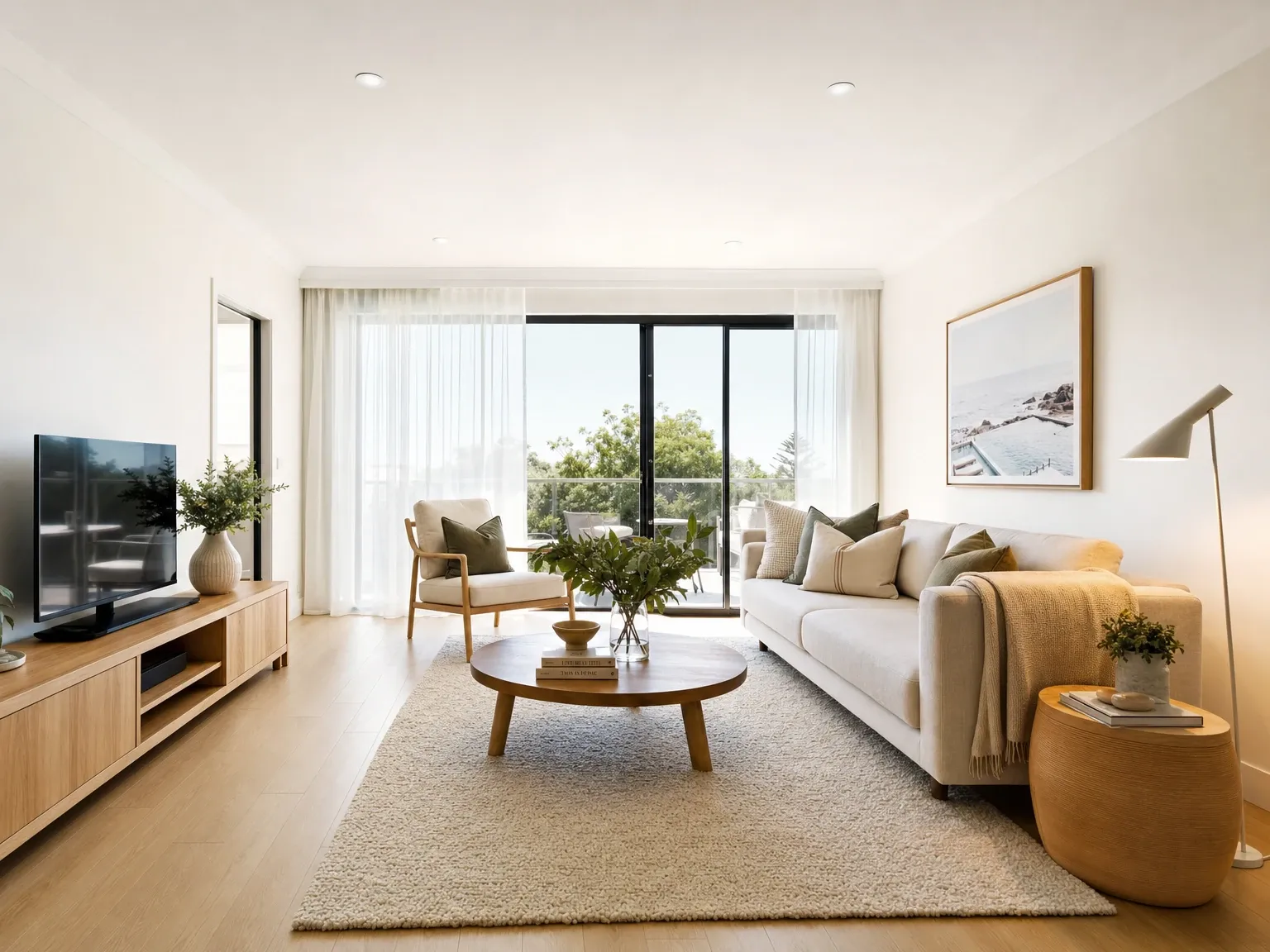
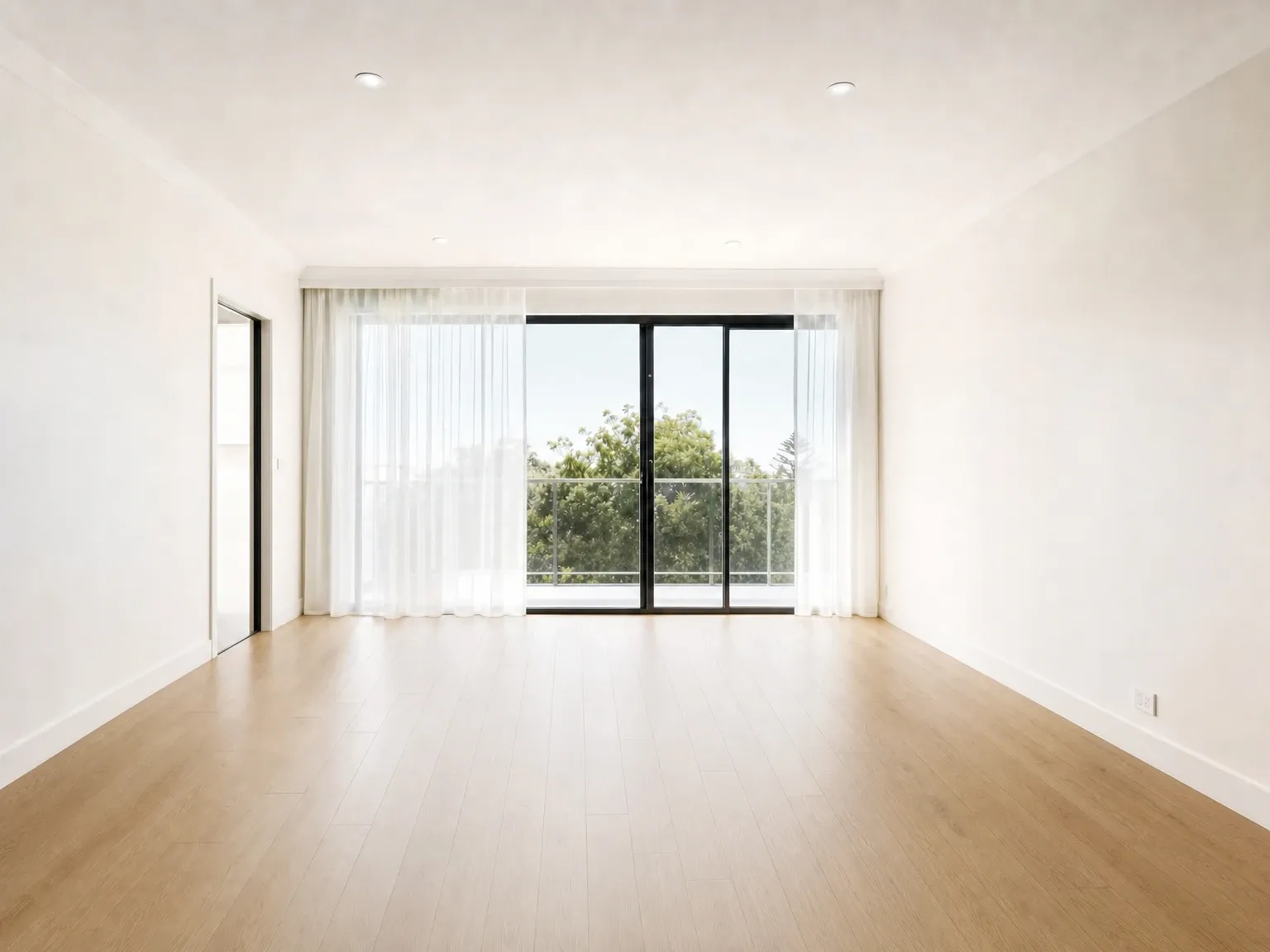 Before
After
Before
After
How it actually works
This part is short, and reading it is the difference between using these tools well and treating them as a magic black box.
Modern image-to-image models are diffusion models (with a handful of newer flow-matching variants in the latest generation). The mechanism, which sounds backwards the first time you read it, is that the model is trained to remove noise from images. Start with a clean photo, add a controlled amount of random static, then teach a neural network to recover the original from the noisy version. Do that millions of times over millions of images, and the network learns the structure of what photos and paintings and renders look like, well enough to remove noise even from images it has never seen.
To generate a new image from a prompt alone, the model is handed pure noise and asked to denoise it into something matching the description. To edit an existing image, the model is handed your image with a calibrated amount of noise added (not pure noise, but partial noise), and asked to denoise it back to something that both looks like your input and matches your prompt. The amount of noise added is the key parameter. Less noise means the result stays close to your input. More noise means the model has more freedom to reinterpret, and the result can drift further from the original.
That parameter has a name that everyone interacting with these tools should know: denoising strength (also called “strength” or “image weight” depending on the interface). It runs from 0 to 1. At 0, the input image is returned unchanged. At 1, the input is functionally ignored and you are back to text-to-image. Most useful image-to-image work happens between about 0.3 and 0.7, where the original composition is preserved but the model can meaningfully change materials, finishes, furniture or atmosphere. This single dial is the difference between editing a picture and replacing it.
A more recent class of model, including Black Forest Labs’ Flux Kontext family released in 2025 and now used widely in 2026, swaps pure denoising for in-context image generation. The model is given the input image and the prompt together as joint conditioning, and outputs a modified version in a single pass. The user-facing experience is the same, change a picture with a sentence, but the underlying mechanics let it hold character, finish and identity more consistently across edits than older img2img pipelines did.
The frontier models from Google (Nano Banana Pro / Gemini 3 Pro Image) and OpenAI (GPT Image 2) take this further again. They are large multimodal reasoning models that treat image editing as one task among many, which means they understand the request, the existing image and the relationship between them at a higher level than a pure diffusion engine, and they keep the unedited regions of an image pixel-stable while applying the requested change. This is the capability that finally made text inside generated images legible, and that made multi-turn editing (“now make the cushions pink”, “now move the lamp to the left”) feel like a conversation rather than a series of disconnected generations.
What image-to-image AI can actually do
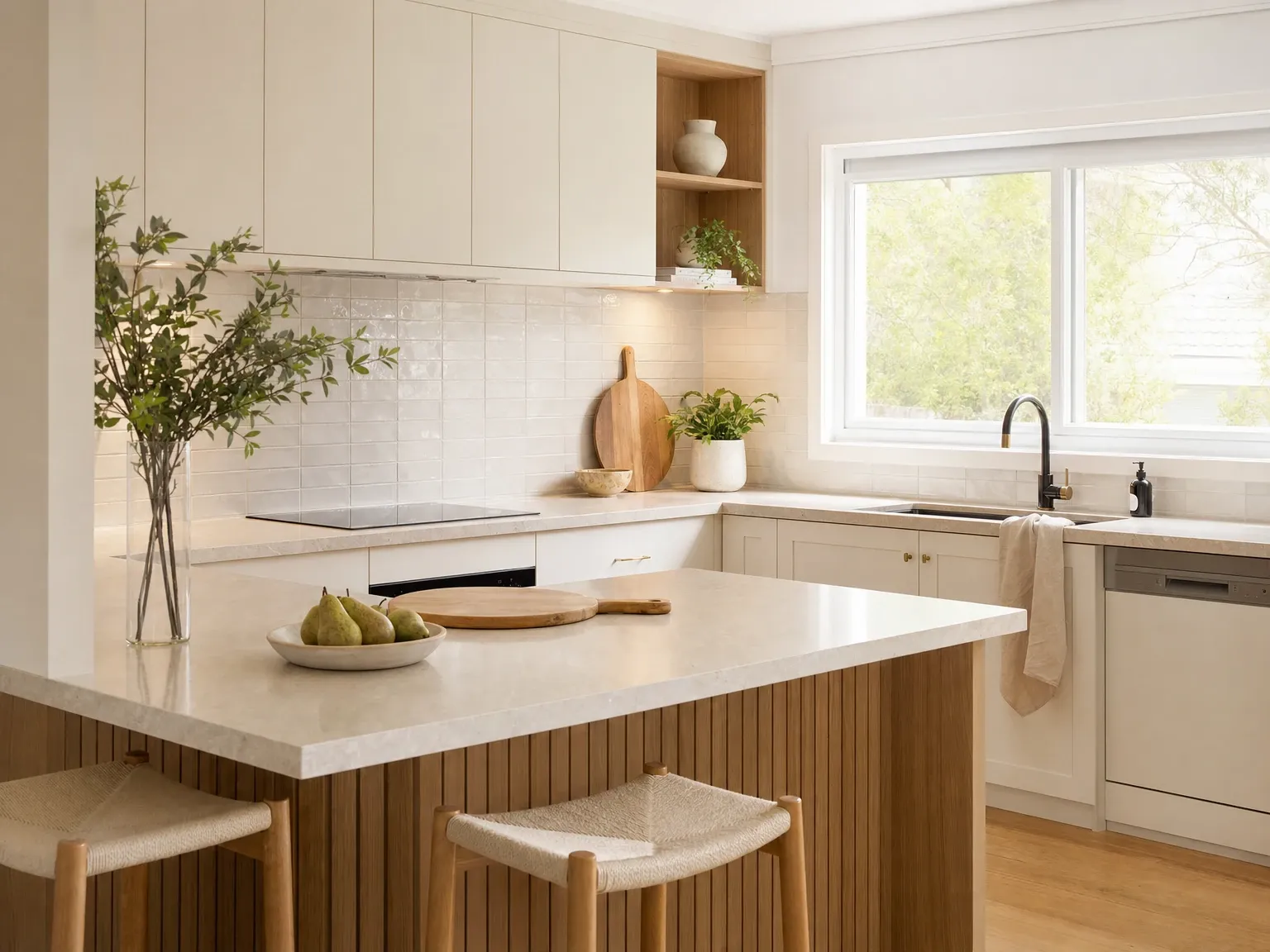
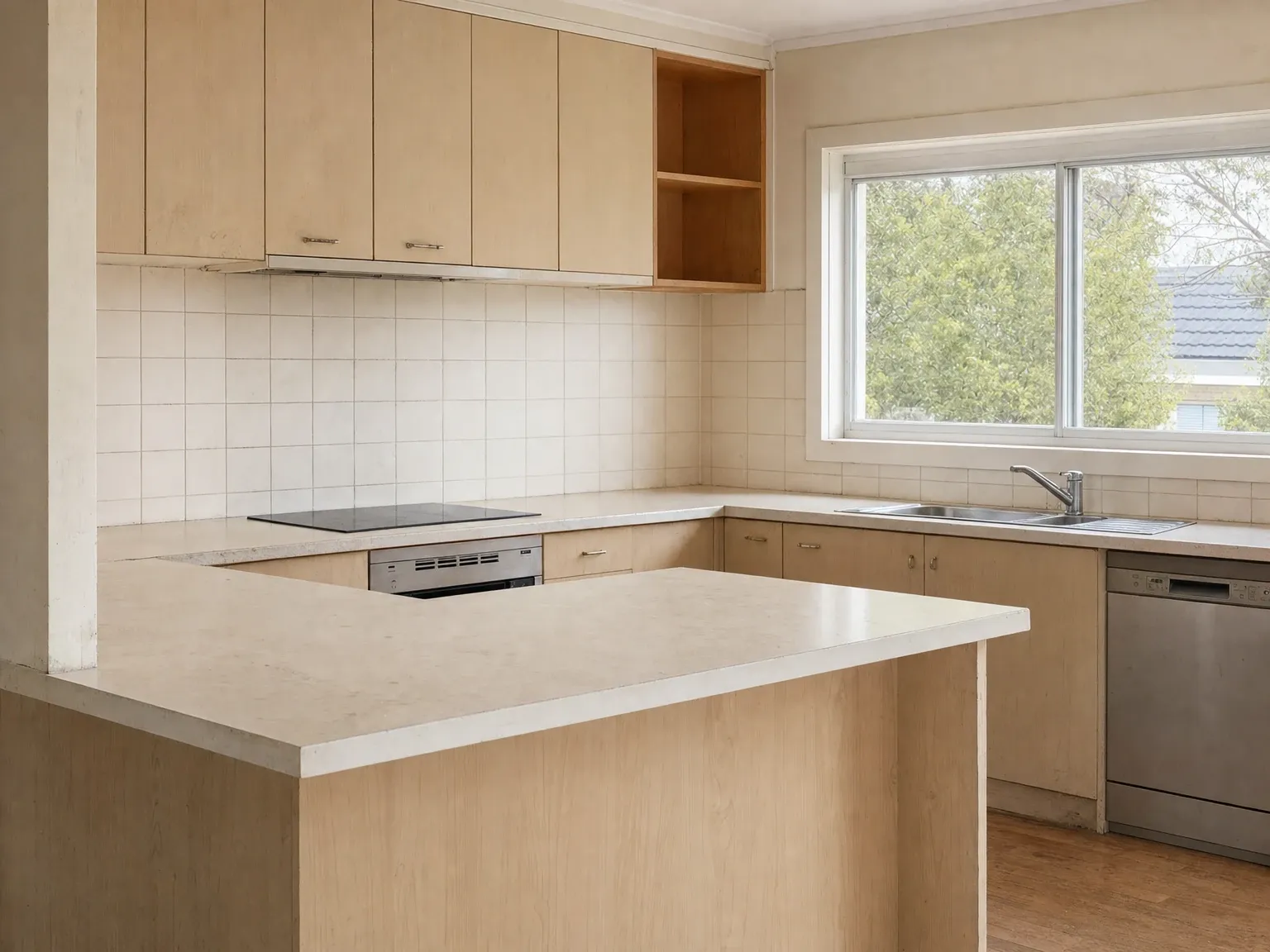 Before
After
Before
After
There are at least eight distinct jobs to be done under the image-to-image label, and conflating them is the main reason people get bad results. The same tool that excels at one is often weaker at another. The capabilities, in roughly the order they get reached for in commercial work:
Restyling and re-decoration. Take a picture of a room or a facade and change the entire visual style: a tired rental into modern coastal, a builder-grade kitchen into Hamptons, a grey clay render into a finished home. Geometry and structure stay locked. Materials, finishes, furniture and palette transform. This is the dominant property use case and the reason the AI interior design tools category exists.
Inpainting. Mask a region of an image and regenerate only that region according to a prompt. Used for removing objects (rubbish bins, parked cars, a previous tenant’s belongings), replacing objects (swap the splashback, change the bedhead), or fixing model errors in a previous generation. Inpainting is the most surgical form of image-to-image because the edit is scoped to a defined area, leaving the rest untouched.
Outpainting. The reverse: extend the canvas beyond the original frame, with the model inventing what would plausibly sit just outside the shot. Used for re-cropping a tight image for a hero slot that needs a wider aspect ratio, or completing a partially obscured building.
Style transfer. Apply the visual style of one image to the content of another. The original neural-style-transfer demos in the late 2010s rendered photographs as Van Gogh paintings. Modern tools use the same idea for practical work: matching a brand palette across a campaign, applying a consistent illustration style to a series of marketing assets, or carrying a single reference look across an entire project.
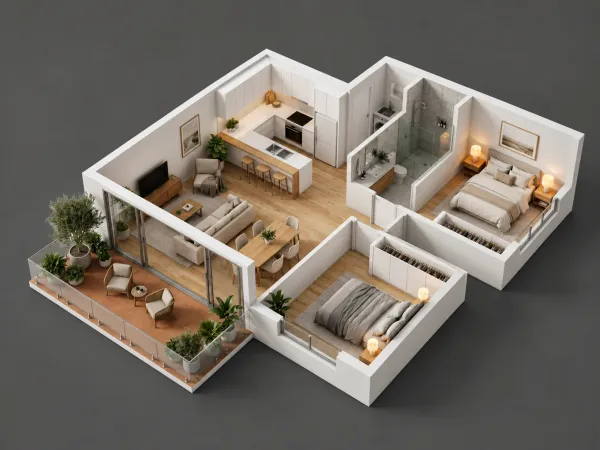
Sketch-to-photo and model-to-render. Feed in a rough hand sketch, an elevation drawing, a wireframe CAD export or a basic 3D massing model, and get back a photoreal interpretation. The architectural visualisation tools that have grown up around this capability (mnml.ai, Gendo, Archsynth, Vizcom, PromeAI) sit on top of image-to-image foundations with control nets that lock the line work in place. Useful for concept presentations, fast feasibility imagery and option-generation. Less reliable for council-grade photomontages where actual geometric accuracy is required. This is the job we do, and there is more on where it holds and where it drifts below.
Virtual staging. Put furniture into an empty room without owning any furniture. The model preserves the architecture, lighting and finishes of the input photo and adds beds, sofas, dining sets, art and styling that suit the brief. The category has consolidated around a handful of specialised platforms in the past two years, and around generalist multimodal models that now do this competently as a side capability.
Background replacement and environment swap. Hold the subject, swap everything else. Real-estate day-to-dusk, e-commerce white-background shots, replacing the bin in the background of a perfect kitchen photo, putting a building on a different sky. Tools have been doing this for a few years; the 2026 quality bar is now close enough to photographic that the cleanup work is in the post, not in the generation.
Restoration and enhancement. Sharpen, upscale, de-blur, colour-correct, fix noisy night-time exposures. Pure photo improvement, no creative change. The tools have largely merged with general image-to-image now that the same model architecture handles both jobs.
The right tool depends on which of these you are doing. Generalist tools like Nano Banana Pro and GPT Image 2 cover almost all of them at usable quality. Specialist tools beat them in their niche: virtual-staging platforms for batch listing work, sketch-to-render platforms for concept massing, Flux Kontext for character and identity consistency.
The tools that lead the category in 2026
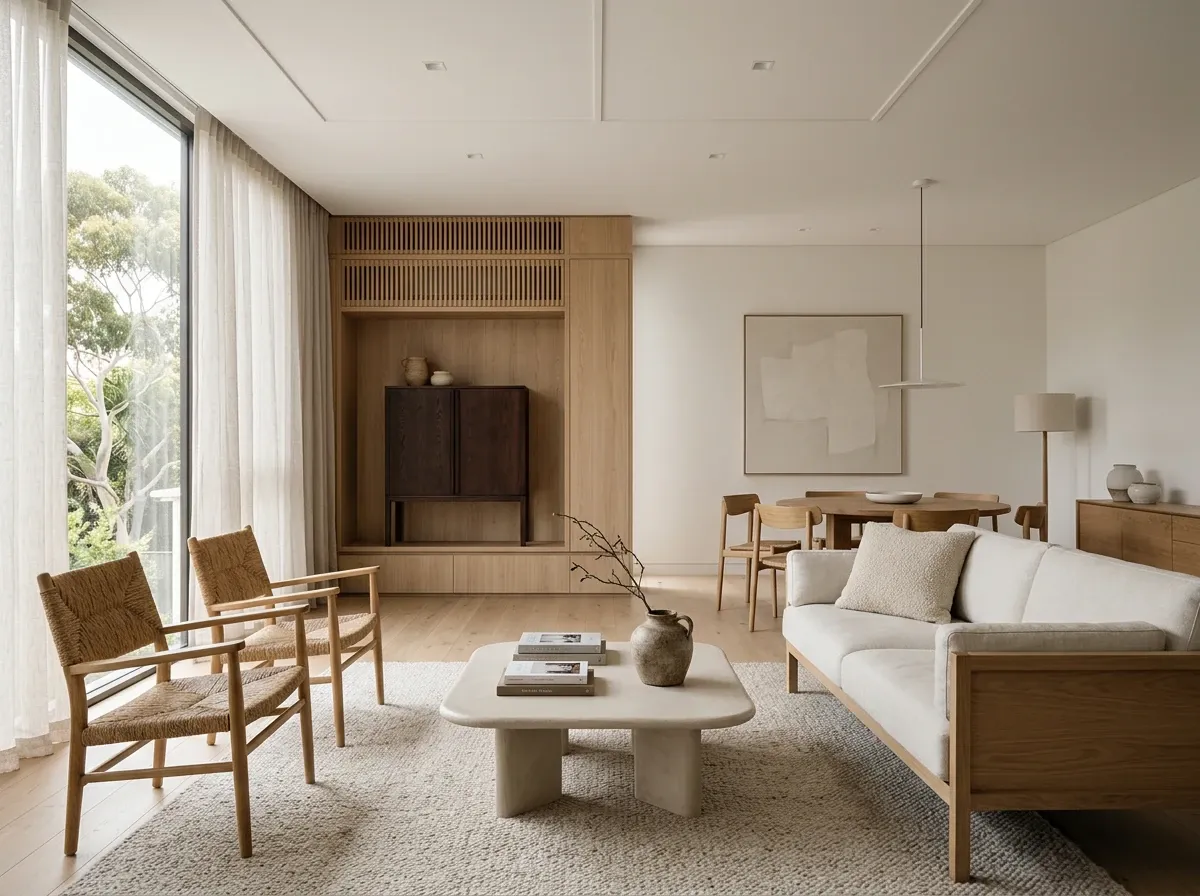
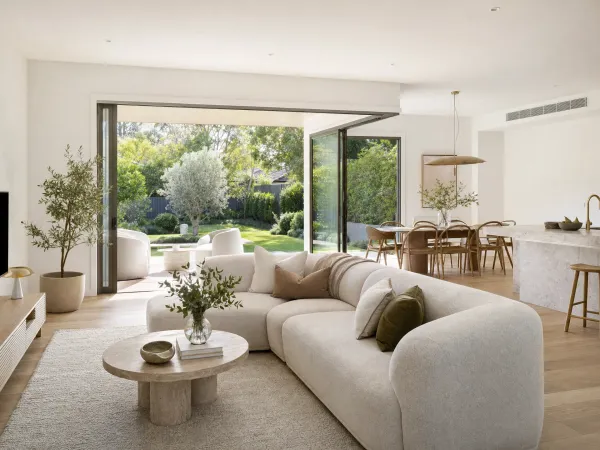
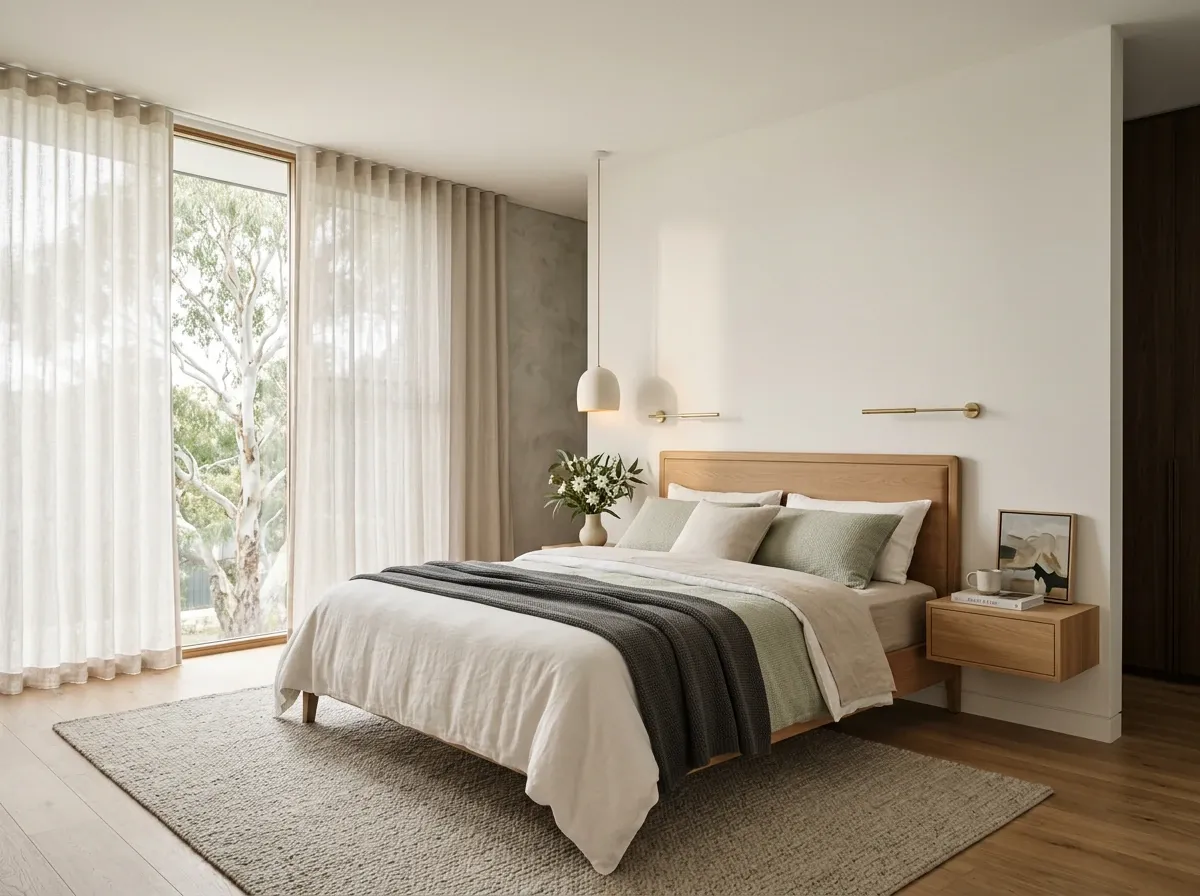
Frontier models in 2026 produce results that read as designer-resolved Australian interiors.
The image-to-image tool landscape has consolidated dramatically in the past eighteen months. The list below is the set that matters today, with the actual job each one is best at. Skip past it if you only want the concepts.
Generalist frontier models
Google Nano Banana Pro (Gemini 3 Pro Image) is the current leader for edit fidelity and prompt-following on consumer-facing tasks, particularly anything involving legible text in the image. Strong at multi-turn editing (“now change the rug, now move the lamp”), strong at preserving the unedited regions, free in the Gemini app at a daily quota, paid for higher use. The closest thing in 2026 to “ask in plain English and get the edit you asked for”. A separate Nano Banana 2 model launched in February 2026 trades some of the Pro reasoning depth for Flash-tier speed.
OpenAI GPT Image 2 is the parallel from OpenAI, available through the API and inside ChatGPT. Best-in-class pixel stability outside the edited region (an edit changes only what you asked, leaving the rest untouched), strong text rendering, accepts up to 16 reference images for context, supports multi-turn editing. The leading choice when you are already in the OpenAI ecosystem or need API access for an integration.
Adobe Firefly is the leader for commercially safe output. Firefly is trained exclusively on licensed Adobe Stock content and public-domain material, and Adobe indemnifies paying business subscribers against copyright claims arising from generated content. Inside Photoshop, Firefly powers Generative Fill, the workhorse inpainting tool that most working creatives now reach for first. If the question is “can I sell this in a campaign without a copyright argument”, Firefly is the lowest-risk answer.
Midjourney has historically been a text-to-image tool with limited image-to-image control. The 2026 versions add reference-image and style-reference support, useful for carrying a look across a series, less suited for tight editing of an existing photo.
Specialist editing models
Black Forest Labs’ Flux Kontext ([Pro], [Max] and open-source [Dev]) is the standout for consistency in image-to-image work. Built specifically for contextual editing, it holds character, finish and identity across multiple edits more reliably than diffusion-only pipelines. Used heavily by people producing series of consistent images of the same person, the same product or the same building across different shots and angles.
Runway ML sits at the image-to-video boundary. Its image-to-image capabilities (style transfer, generative editing, structure-guided generation) are competent, but its centre of gravity is animation. Reach for it when the still is one frame in a moving deliverable.
Open-source
Stable Diffusion and the open Flux family are the centre of the open-source ecosystem. Stable Diffusion 3.5 plus the broader Flux releases provide the foundation that the rest of the community (LoRAs, ControlNet variants, fine-tunes, ComfyUI workflows) is built on. The upside is total control: run locally on your own hardware, no per-image fees, no rate limits, no terms-of-service surprises, granular access to every parameter. The downside is workflow complexity: a respectable open-source img2img setup takes hours to configure and a capable GPU to run at speed.
ControlNet is the layer most serious open-source workflows add on top. It conditions the diffusion process on explicit structural inputs (line drawings, depth maps, pose skeletons, segmentation masks), so the model preserves geometry, perspective or pose with far more reliability than a strength-dial alone. This is what makes the open stack viable for architectural model-to-render and any other task where structure cannot drift.
Architecture and property verticals
A separate cluster of tools wraps these models in industry-specific workflows. Architecture tools (mnml.ai, Gendo, Archsynth, Vizcom, PromeAI) do sketch-to-render with structural lock built in. The studio packages (D5, Twinmotion, Enscape, and Veras inside Revit and SketchUp) have bolted AI material and atmosphere passes onto a traditional pipeline. Virtual-staging platforms handle the empty-room-to-furnished job at volume for listings. Houzz Pro added AI-powered finish application to its 3D Floor Plan tool in May 2026, letting professionals clip any finish from a photo and apply it across walls, floors, splashbacks and countertops in a plan view.
Then there are done-for-you services. reIMG is one: our own image-to-image pipeline, run by our own team, from your SketchUp, IFC or CAD file, with every render checked against the model. The vertical tools win on workflow integration. The generalist tools win on flexibility and price. A done-for-you service wins when you want the finished set and none of the prompting.
The honest summary: if you are testing the category for the first time, open the Gemini app or ChatGPT and try a real edit on a real picture. The frontier models are good enough now that the friction of standing up an open-source stack is only worth it if you need volume, control or full data privacy.
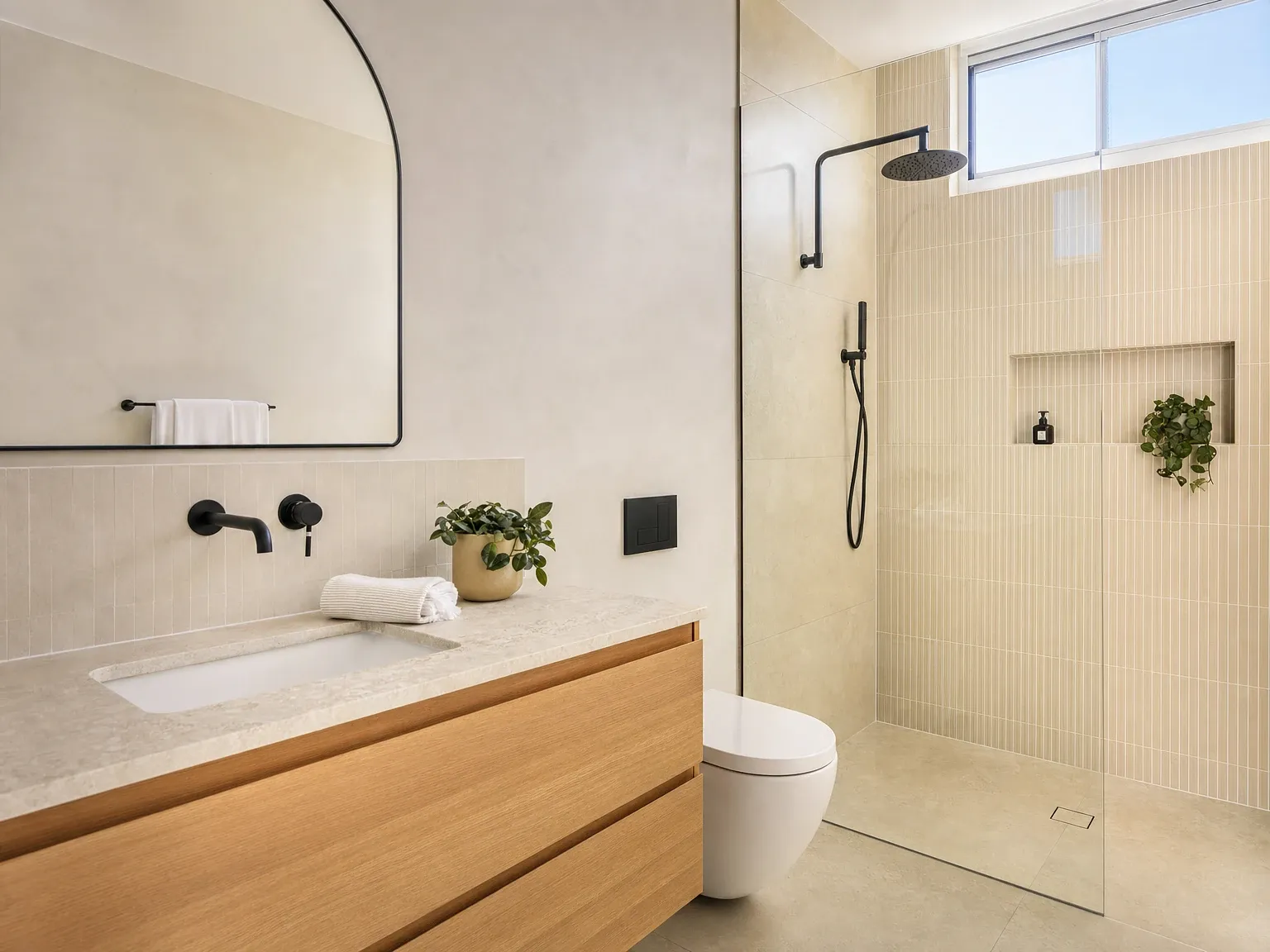
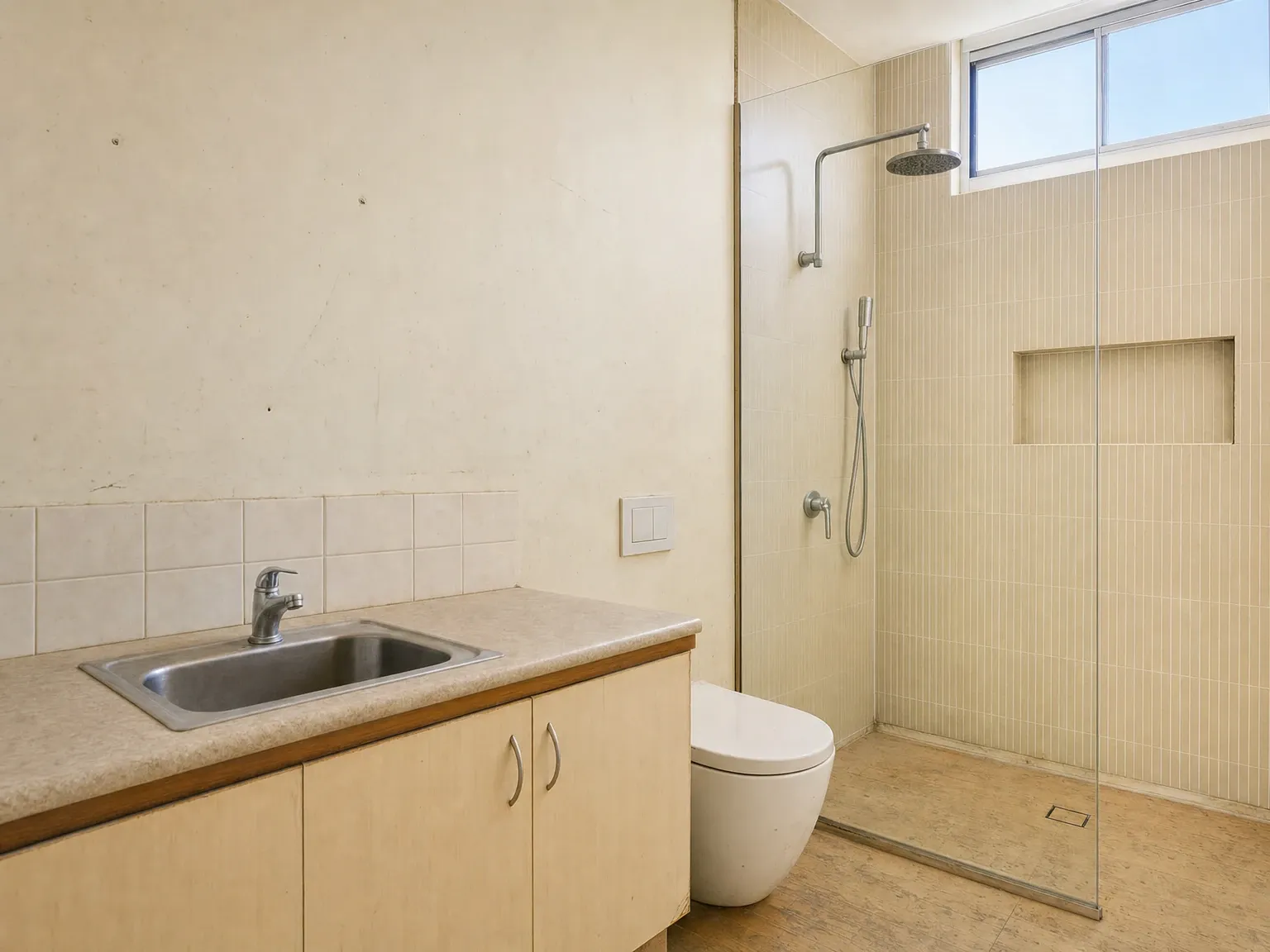 Before
After
Before
After
Writing an image-to-image prompt that works
The same prompt-writing instincts you use for text-to-image transfer poorly to image editing. The frontier models in 2026 reward instruction-style prompting, not the keyword-stuffed comma-separated lists that worked on early Stable Diffusion. A few rules that consistently produce better edits.
Tell the model what to change and what to leave alone. “Change the splashback tile to white subway, keep the cabinetry, benchtop and floor unchanged” produces a cleaner edit than “white subway tile splashback”. The frontier models will respect the instruction.
Anchor the topic word. On an interior edit, include the room type (“this kitchen”, “this bedroom”) and the desired state (“renovated”, “staged”, “modernised”) in the prompt itself. On a building, name it: “this two-storey townhouse”, “this duplex facade”. Leaving the model to infer the subject from the image alone increases drift.
Use a reference image where possible. Most of the leading 2026 tools (GPT Image 2 up to 16 references, Nano Banana Pro, Firefly, Flux Kontext) accept a second image alongside the input as a style or material reference. “Apply the cladding from the attached reference to this facade” is more reliable than describing the cladding in words. A materials schedule with product photos is the best reference an architect can hand over.
Iterate, do not rebuild. When the first edit is 80% there, edit the result, do not start again from the original. Multi-turn editing keeps the unedited regions stable across the conversation. Restarting throws that away.
Pick the right tool for the test. Text inside the image (price tags, signs, brand wordmarks): Nano Banana Pro or GPT Image 2. Surgical removal or replacement of a specific area: Photoshop Generative Fill (Firefly) for the masking precision. Consistent building or product across multiple shots: Flux Kontext. Local control and no per-image fee: a Stable Diffusion or Flux open-source setup with ControlNet.
Lower the denoising strength when structure matters. For building and product work where the geometry of the input must hold, run the model at 0.3 to 0.5, not 0.7+. The frontier closed models hide this dial behind plain-English controls (“keep the original mostly intact” versus “creative reinterpretation”), but the underlying mechanic is the same.
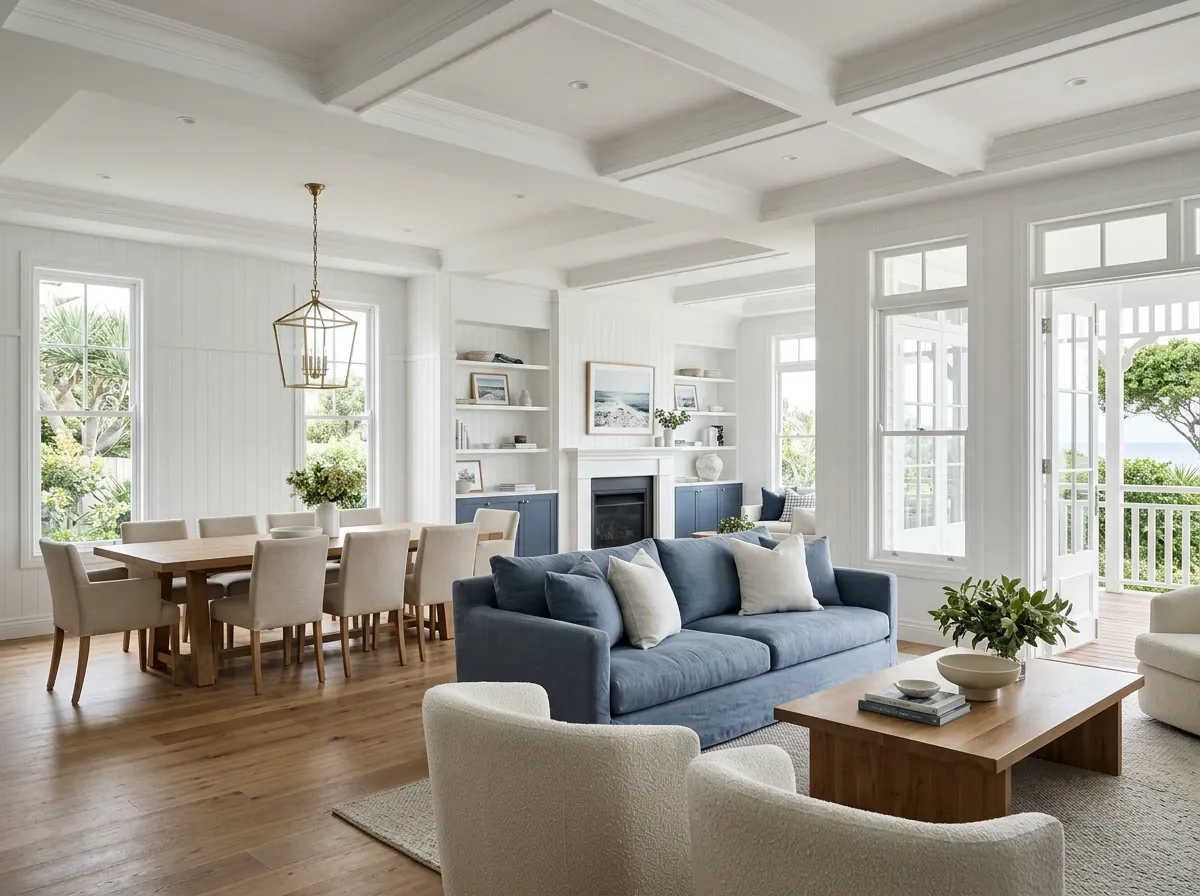
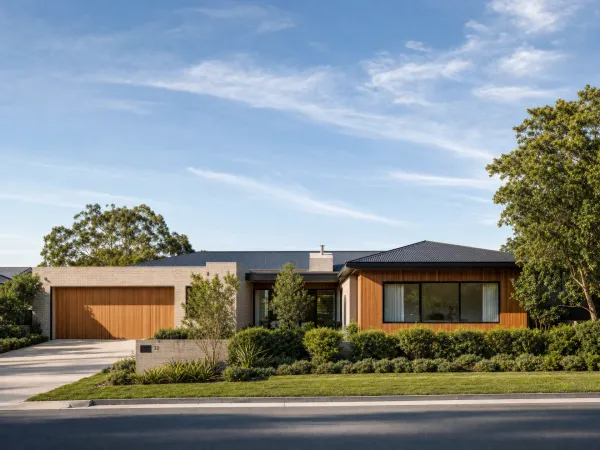
AI excels at well-defined styles. Niche detail and exact materials still need human direction.
Where image-to-image AI still falls down
Six places to know about in 2026 before you bet a deadline on this technology.
Text inside the image remains inconsistent on most models. Nano Banana Pro and GPT Image 2 finally cracked this in late 2025; everything older still produces gibberish on signage, price tags, screens and labels. If your edit involves readable text, use a frontier model or composite the text in post.
Exact geometric accuracy is not where these models live. Look closely at a one-minute render of a massing shot and the geometry has shifted: a window moved, a roofline redrawn, an artifact where the balustrade was. Fine on a mood board. Fatal on a building you have to deliver. A council photomontage that depends on accurate height, setback and overshadowing claims still requires a CAD-true 3D model underneath. AI can dress the model; it cannot replace it.
Consistency across a set. One good image is easy. The hard part is a set: same building, same materials, same landscaping, eight different angles. Left alone, generative tools redraw the world every frame. Specialist tools like Flux Kontext do better with reference inputs. Nothing does it reliably without a person comparing each frame to the source.
Fine-grained material truth. A model might give you a beautiful render that looks like spotted gum, but it is not your supplier’s spotted gum. For client-specification work where the actual product has to appear, AI restyling is fine for concept and direction. Locked-down finishes need a reference photo of the real material as a strong conditioning input, and someone checking that it landed.
Long-tail accuracy. The models are trained on the visual world as it is photographed and indexed, which biases their output. They produce convincing generic Hamptons, generic Japandi, generic Australian coastal. They are less reliable on niche or hyper-local styles, on specific Australian native plants and on regional vernacular architecture without explicit reference imagery.
Ethics and disclosure. The same capability that virtually stages an empty rental can hide damp, water damage and cracking. The same capability that day-to-dusks a beautiful exterior can move the sun in a way that conceals a north-facing problem. The Australian regulatory line has firmed in the past eighteen months and is covered next.
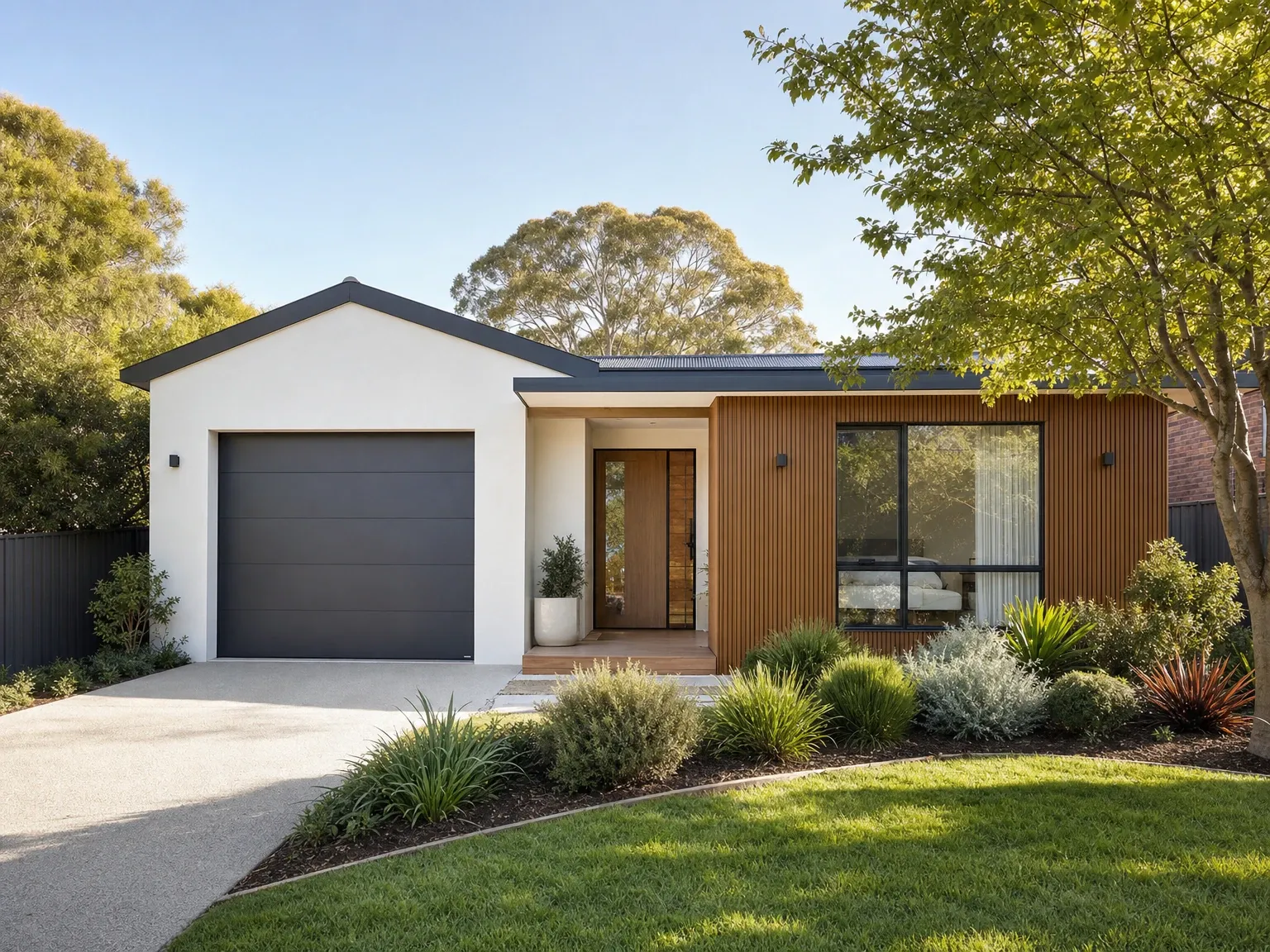
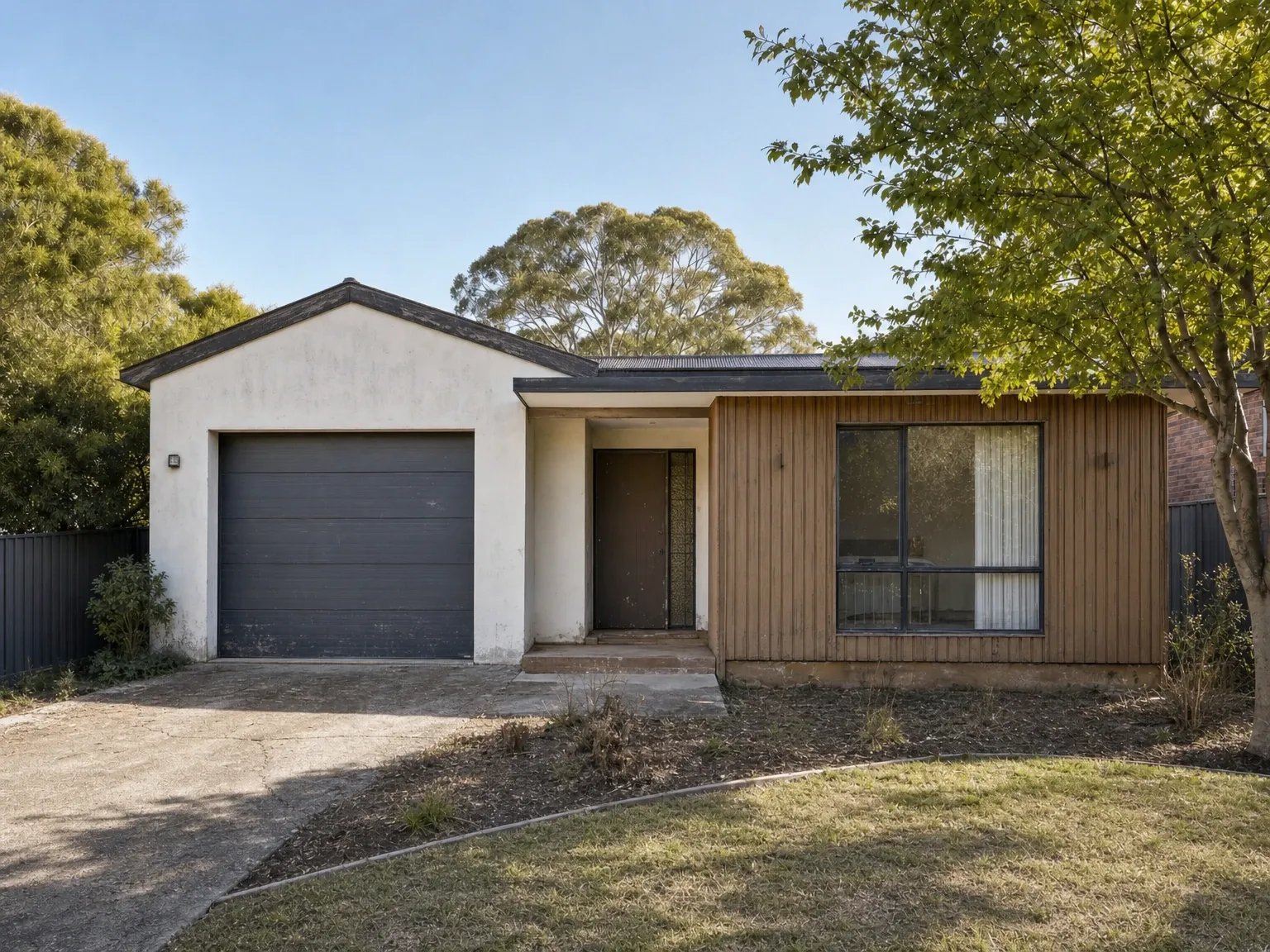 Before
After
Before
After
Image-to-image AI in Australian architecture and property
The largest commercial use of image-to-image AI in Australia in 2026 sits in property: designing it, building it, selling it. The specifics matter because the legal and buyer expectations here are different from the US-dominated content that ranks for most generic search terms.
Concept rendering from the model is where the technology has changed the most. An architect or draftsperson used to choose between a hand sketch and a three-week studio job for early client conversations. Now a massing model or a set of PDF plans can come back as a spread of rendered directions in days: materials, moods, landscaping, all on the same geometry. It is the job our Exploration pack does, from $600 + GST, and it is built for deciding rather than launching. For practices, it is the overflow valve when three deadlines land on one visualiser.
Winning the job with a picture is the builder’s version. Three builders quote the same project and the client can only picture one of them finished. A render from the plans in the quote shows the built result while the others are still words and line drawings. The job is image-to-image at its most literal: plans in, the same building out, finished. More on that on the builders page.
Marketing the launch is the developer’s. Off-the-plan buyers purchase from images of apartments that do not exist yet, so the render set is not garnish. It is what the presales depend on. This is the use case where consistency across a set stops being a nice-to-have, and where a DIY tool that redraws the building on every angle costs you the campaign. Our Campaign pack is the finished set from the final model, one grade across every image, checked against the drawings. The architectural rendering guide covers what the traditional studio tiers cost by comparison.
Council and DA imagery is the one place to be careful. Streetscapes and photomontages show the assessor and the neighbours what is actually proposed, and they get scrutinised. Anything going to council, VCAT or the Land and Environment Court needs the geometry to come from a real model with the AI applied on top, never AI inventing the building.
Listing enhancement (day-to-dusk, sky replacement, lawn greening, clutter removal) was already in widespread use before AI image-to-image arrived. The change is that the work that used to require a Photoshop specialist now takes ten seconds, and the disclosure question has moved to the front.
The 2025 NSW disclosure rule, the Residential Tenancies (Protection of Personal Information) Amendment Bill, draws the legal line. It requires landlords and agents to disclose when rental images have been altered to “conceal faults” or “mislead rental applicants”, with examples including the removal of background infrastructure (powerlines, towers) to obscure views, the use of AI to hide damp or damage, and the placement of furniture that misrepresents the usable size of a room. Penalties are $5,500 for individuals and $22,000 for corporations. Basic editing, such as cropping and brightening, is exempt. The practical reading: renders of unbuilt property labelled as artist impressions and disclosed cosmetic enhancement are fine, concealing faults is not. Expect other states to follow.
The broader, sometimes unstated rule across Australian property advertising is the Australian Consumer Law. Misleading or deceptive conduct in trade and commerce is illegal regardless of whether AI is involved. A render of an apartment that is not built yet is not misleading because everyone knows it is a render. A render that shows a view the completed building will not have is misleading whether you made it with AI or a human in 3ds Max.
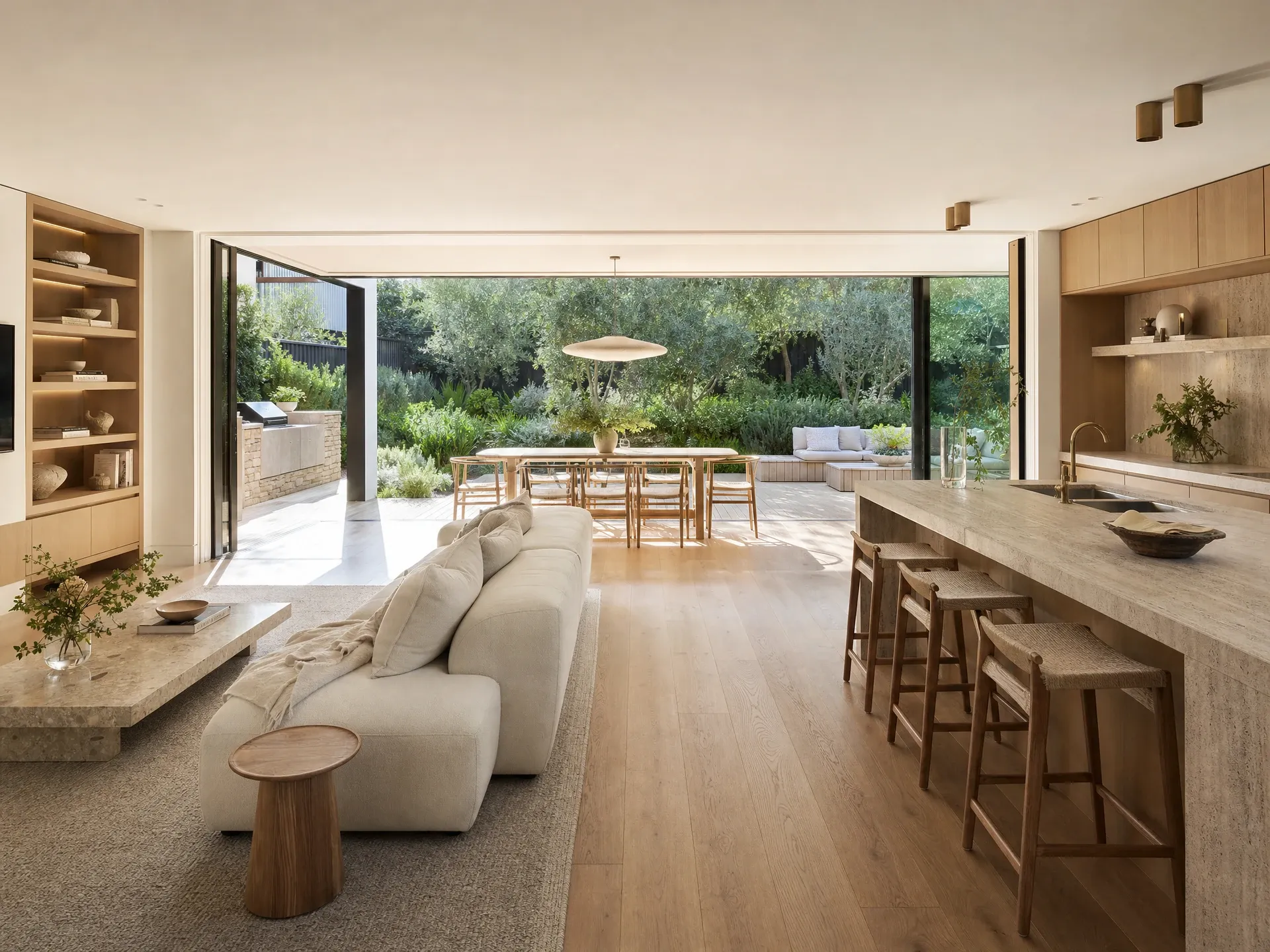
Done-for-you quality is consistency, taste and checking, not just a better prompt.
Done-for-you versus do-it-yourself
The image-to-image market splits cleanly into two camps in 2026, and the right choice depends on what the picture has to do.
DIY means opening a tool yourself: Gemini, ChatGPT, Firefly, Stable Diffusion, your choice. Marginal cost per image is close to zero, control is total, time investment is real. Upload, prompt, wait, judge. Prompt iteration alone for a non-trivial building edit can run 30 minutes to an hour for someone learning the tool. Consistency across a set, checking the output against the drawings, format and crops for every channel, and knowing when an image is right all become your problem. Worth it when you have time, taste and a job where a drifted window does not matter. For a mood board or an early ideation shot, it is brilliant, and we would tell you to do it.
Done-for-you means sending the file and a few lines on what it is for, and getting the finished set back. The category includes traditional CGI studios that have absorbed AI tooling into their pipeline, and services like reIMG that built their own pipeline around it. Our version: you send finished renders, a SketchUp or IFC model, or a PDF of the plans. We set the cameras, the light and the styling, the pipeline does the heavy rendering, and a person makes every call on every job. Then our checking tool puts every render up against the model you sent. If the roofline does not sit on the line, it does not ship. You mark up proofs, we revise inside the pack, you sign off, and the finals are yours outright.
The break-even is about stakes, not just quantity. One picture for a design conversation: DIY is fine, even fun. A set that has to agree with itself across eight angles, match the drawings, and sit in front of buyers, lenders or a council assessor: done-for-you pays for itself the first time a tool quietly moves a window and nobody catches it before print.
The pricing sits between the apps and the studios. Exploration from $600 + GST, Campaign from $2,000 + GST, and the exact number and delivery date on the quote once we have checked your file. Days, not weeks. Get a quote and you will know both before anything starts.
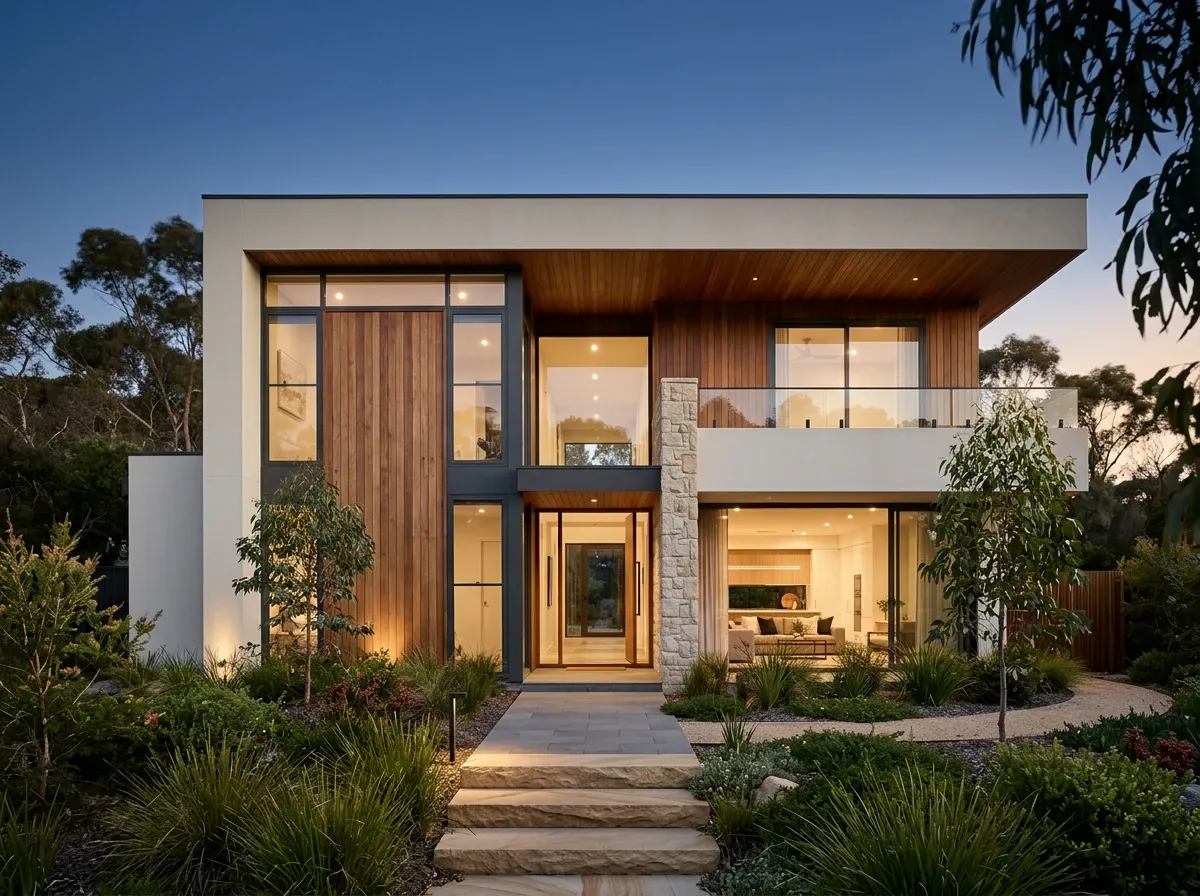
The technology stays useful. Expectations around using it openly will only firm.
What changes next
The trajectory through 2026 is converging. The big multimodal models (Gemini, GPT) are absorbing what used to be separate jobs (text-to-image, image-to-image, video) into a single interface. The specialist models (Firefly, Flux Kontext, Runway, the vertical staging and architectural rendering tools) are differentiating on commercial safety, identity consistency and workflow integration rather than on raw quality. Open-source remains the place for control and self-hosting, with Stable Diffusion 3.5 and the open Flux family as the foundation.
Two practical predictions worth holding. First, native image-to-image inside the tools people already use (Photoshop, Revit, SketchUp, Figma, Canva) will become the default surface for the work, not the model-vendor apps. Most professionals will reach for the model from inside the tool they design in, not the other way around. Second, the legal regime will continue to firm. NSW’s 2025 disclosure rule is the first formal Australian framework specifically targeting AI-altered listings; expect Victoria, Queensland and federal Australian Consumer Law guidance to follow, and assume any commercial use of AI image editing in a public-facing context should be disclosable, traceable and defensible. The technology stays useful. The expectations around using it openly will only get firmer.
For the work this site exists to do, the upshot is small and concrete. Image-to-image AI collapsed the hours studios used to bill for: modelling, lighting, iteration. That is why days replaced weeks. It did not change what the imagery is for, which is helping a client, a buyer or a council see what a building will look like clearly enough to say yes. And it did not remove the need for someone to check that the building in the picture is the building in the file.
Frequently asked questions
What is image-to-image AI in simple terms?
Image-to-image AI takes an existing picture and an instruction, and gives you back a new picture that keeps the original’s structure and composition but applies the change you asked for. The classic example is feeding in a photo of an empty room and a prompt like “add modern coastal furniture” to get back the same room, same windows, same floor, now furnished. It is the opposite of text-to-image, which starts from a blank canvas and a description and invents everything from scratch.
What’s the difference between image-to-image AI and text-to-image AI?
Text-to-image starts with words and a blank canvas, so it invents the scene, the camera angle, the lighting, the geometry, all of it. Image-to-image starts with an actual photo, a render or a model export and changes only what you ask it to change, holding the rest in place. For anything that has to match a real building, a real room or a real product, image-to-image is the relevant approach. Text-to-image is the relevant one when you’re inventing something that doesn’t exist yet.
Which is the best image-to-image AI tool in 2026?
There is no single best. For everyday editing inside an existing creative workflow, Google’s Nano Banana Pro (the Gemini 3 image model) and OpenAI’s GPT Image 2 currently lead on edit fidelity and instruction-following. Adobe Firefly leads on commercial-safe output because of its licensed training data and indemnification. Black Forest Labs’ Flux Kontext leads on character and scene consistency across edits. Stable Diffusion and the open Flux models remain the leaders for full local control. The right pick depends on how much control, how much legal certainty and how much commercial use you need.
Is image-to-image AI free?
Most of the leading models have a free tier that is enough to try them and produce occasional images. Google’s Gemini app gives free users a daily quota of Nano Banana edits. Adobe Firefly’s web app offers a small monthly generative-credit allowance. Stable Diffusion and the open Flux models are completely free if you run them on your own computer, though you need a capable GPU. Heavy or commercial use almost always pushes you onto a paid plan, where pricing sits in the A$25 to A$80 per month range depending on the tool and quota.
Can I sell or publish images made with image-to-image AI?
Sometimes. Adobe Firefly is the safest because Adobe trained it on licensed data and indemnifies paying business customers against copyright claims. Most other major tools allow commercial use under their terms but do not indemnify you, which means you carry any infringement risk yourself. Some open-source models have licences that restrict commercial use entirely. Read the licence for whichever tool you use, and for any client-facing or campaign work, prefer tools with a clear commercial-use stance.
Can image-to-image AI render a building from my 3D model?
Yes, and it is the best input you can give it. A SketchUp, Revit or IFC export gives the model real geometry to hold onto, so the edit stays on the materials, light and setting rather than reinventing the building. The catch is that a raw tool does not check its own output against your file. Windows shift, rooflines get redrawn, and a set of eight angles will not agree with each other. That checking step is the difference between a DIY tool and a done-for-you service like reIMG, where every render is put up against the model before it ships.
Is image-to-image AI on Australian real estate listings legal?
Yes, with disclosure becoming the line. Editing photos has always been allowed in Australian real-estate marketing, but using AI to remove faults, hide damage, or fabricate features that the property does not have is misleading conduct. NSW introduced a 2025 bill requiring landlords and agents to disclose AI-altered rental images, with penalties of $5,500 for individuals and $22,000 for corporations on non-disclosure. Renders of unbuilt property are fine when labelled as artist impressions, which is the standard REA and Domain practice. Concealing faults is not.
What does denoising strength mean?
Denoising strength is the dial on most image-to-image models that controls how much the AI is allowed to change the original. It runs from 0 to 1. Low values, around 0.2 to 0.4, keep the original almost intact and only nudge style or detail. Mid values, around 0.5 to 0.7, allow real changes while keeping the composition recognisable. High values, above 0.8, approach text-to-image and effectively rebuild the picture from scratch. For building and product work where structure has to hold, stay in the lower half of the range.
Where does image-to-image AI still fall down in 2026?
Three places. First, text inside images: signs, labels, price tags and brand wordmarks are still inconsistent except on the very latest models like Nano Banana Pro and GPT Image 2. Second, exact geometric accuracy: floor plans, council-grade photomontages and anything that has to match a drawing still need a real 3D model underneath, not AI alone. Third, consistency across a set: keeping the same building, the same materials and the same landscaping looking like themselves across eight angles requires reference tools, models like Flux Kontext, or a human checking every frame against the file.